
TL;DR
Q: What is the best clipping software for gaming?
A: For pure performance, Eklipse.gg ranks #1 with 0% hardware impact (cloud-based). For local recording, NVIDIA ShadowPlay is the most efficient (<5% FPS drop). Medal.tv offers great social features but consumes more RAM.
When you are pushing for 240Hz in competitive shooters like Valorant or Call of Duty, every single frame matters. Choosing the best clipping software for gaming is a mathematical decision. A poorly optimized recorder can eat up 15-20% of your CPU, causing micro-stutters that ruin your aim.
In 2026, efficiency is the only metric that counts. We have analyzed and ranked the top 10 clipping tools on the market, prioritizing FPS impact, CPU usage, and processing speed. Whether you need a tool that generates viral clips in 60 seconds or a recorder that runs invisibly in the background, this list provides the hard data you need to optimize your setup.
Benchmark Data: Top 10 Software Compared
We ranked these tools from Lowest Impact (Best Performance) to Highest Impact.
| Rank | Software | FPS Impact (Est.) | CPU/RAM Usage | Best For | Price |
|---|---|---|---|---|---|
| #1 | Eklipse.gg | 0% (None) | 0% (Cloud) | Streamers (Auto-Clip) | Free / Premium |
| #2 | NVIDIA ShadowPlay | ~3-5% | Low (GPU Encoded) | NVIDIA Users | Free |
| #3 | Action! | ~4-6% | Low (Proprietary Codec) | High FPS Recording | $19.77 (Lifetime) |
| #4 | OBS Studio | ~5-10% | Medium (Highly Variable) | Full Control | Free ($0) |
| #5 | Xbox Game Bar | ~5-8% | Low-Medium | Windows Native | Free |
| #6 | VideoProc | ~8-12% | Medium (HW Accel) | Low-End PCs | $25.95/yr |
| #7 | EaseUS RecExperts | ~10-15% | Medium | Scheduled Recording | $19.95/mo |
| #8 | HitPaw | ~10-15% | Medium | Multiple Inputs | $9.99/mo |
| #9 | Medal.tv | ~10-20% | High (High RAM) | Social Sharing | Free / Premium |
| #10 | Rav.ai | N/A | N/A (Post-Process) | Enterprise Editing | $2,000/yr |
1. Eklipse.gg – The 0% Impact Champion
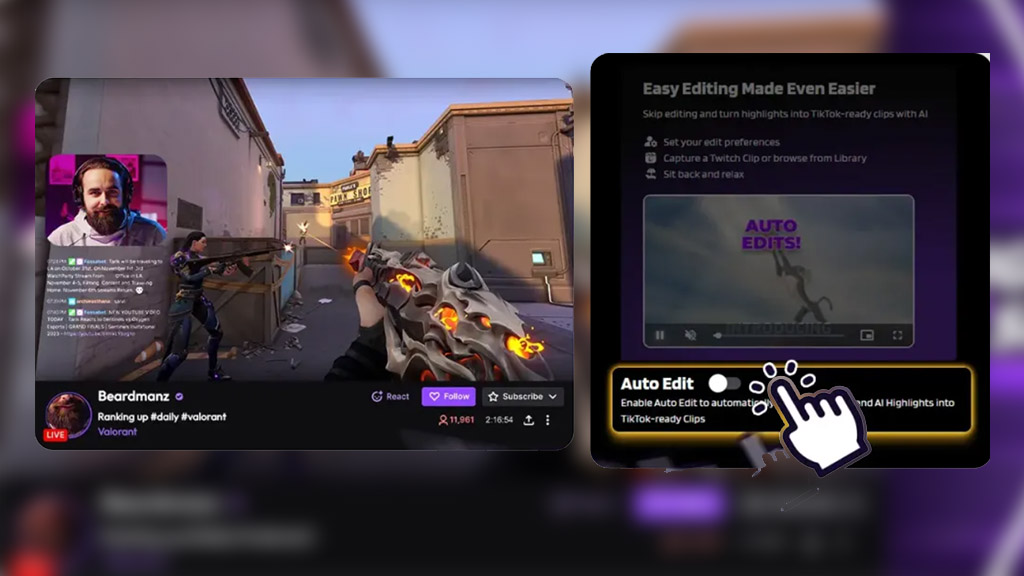
The Numbers: 0% CPU Usage | 1080p Quality | 10 Clips in 60 Seconds
Eklipse.gg takes the #1 spot for a logical reason: it bypasses your hardware entirely. Unlike local recorders that encode video while you play (stressing your PC), Eklipse connects to your Twitch, YouTube, or Kick stream. It processes the VOD on cloud servers after or during your stream.
Why it wins on specs:
- 0 FPS Drop: Your PC dedicates 100% of its resources to the game.
- Automation Speed: AI detects kills and funny moments, generating vertical clips automatically.
- Storage Saved: No massive video files clogging your SSD; everything is stored in the cloud.
2. NVIDIA ShadowPlay – Best Local Efficiency
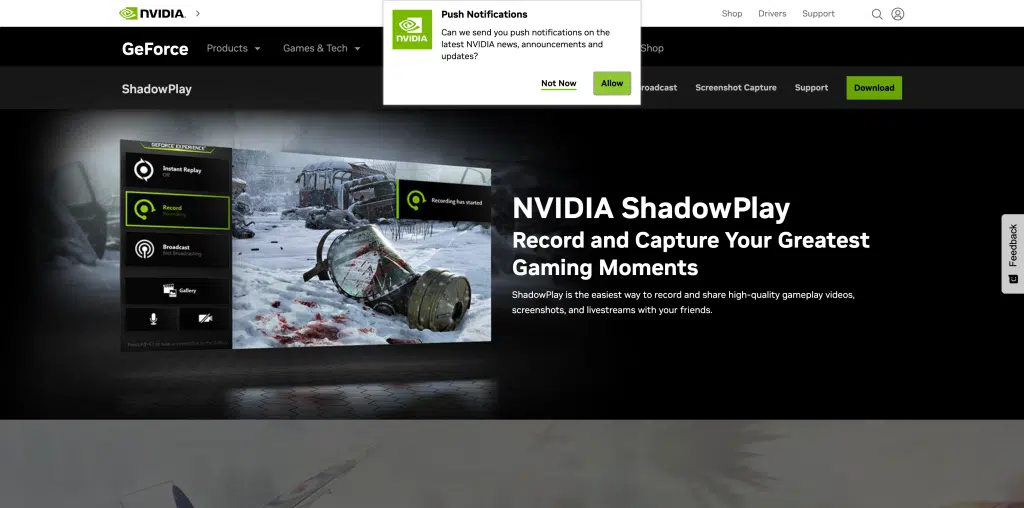
The Numbers: ~3% Performance Hit | Up to 8K Resolution
If you are an offline gamer (not streaming), ShadowPlay is the mathematical leader. It utilizes the dedicated NVENC encoder chip found on GTX and RTX cards. This chip is separate from the part of the GPU that renders your game, resulting in negligible performance loss.
- Pros: “Instant Replay” buffers the last 5-20 minutes efficiently.
- Cons: Zero editing automation. You must manually cut and format every file.
3. Action! – Best for High Refresh Rates
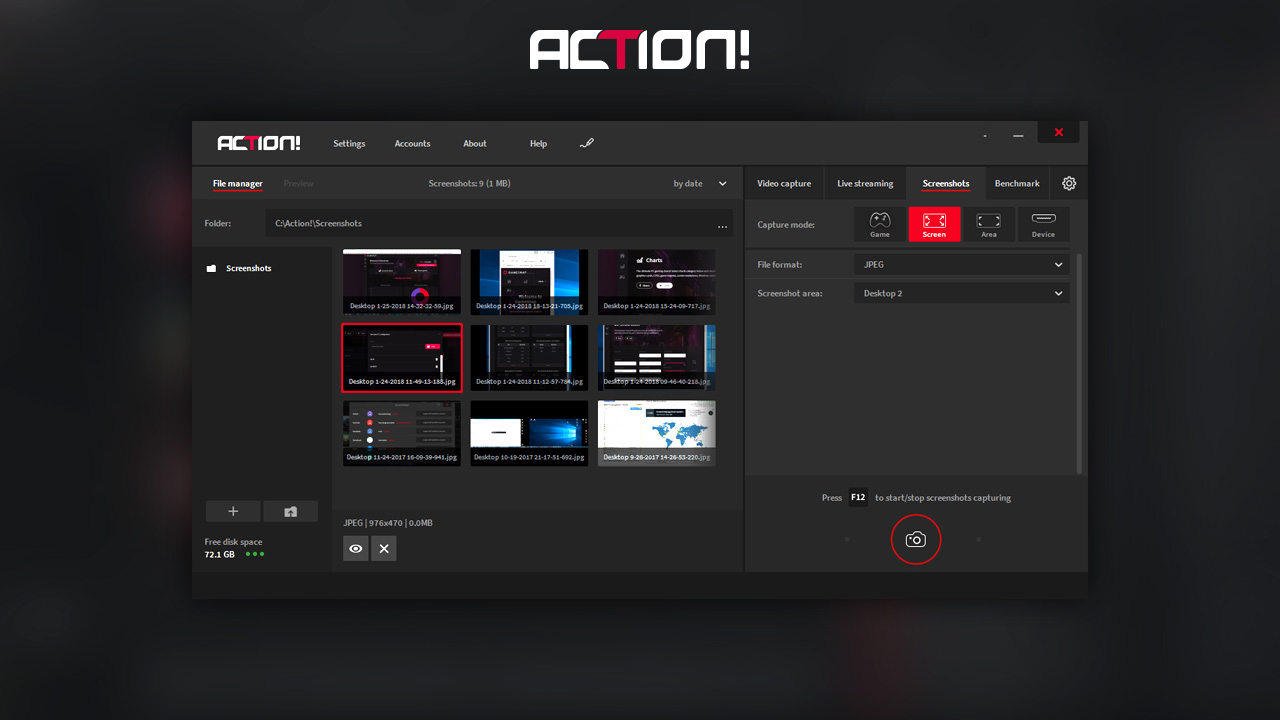
The Numbers: 120 FPS Recording | FICV Codec
Mirillis Action! is optimized for speed. It uses a proprietary video codec (FICV) designed to be lighter than standard H.264. It is one of the few recorders that can capture at 120 FPS or even 240 FPS, making it ideal for creating silky-smooth slow-motion montages.
- Pros: Extremely low CPU overhead due to optimized code.
- Cons: Paid software; the interface is dated.
4. OBS Studio – Best for Customization
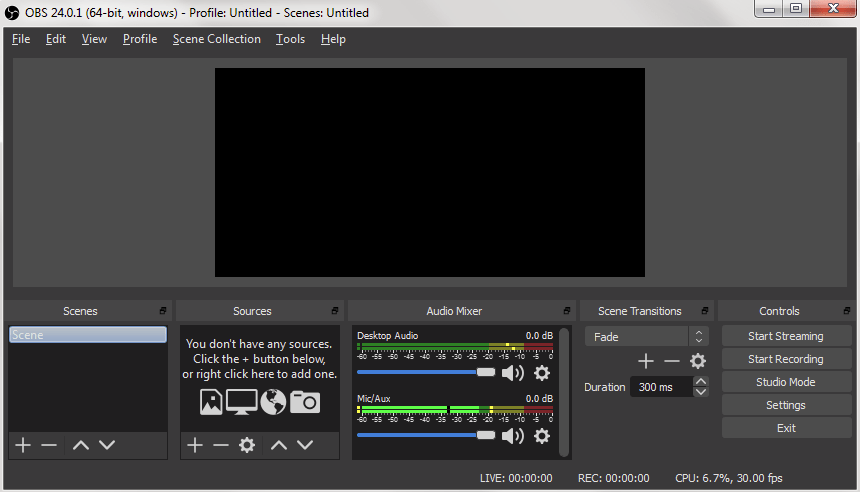
The Numbers: $0 Cost | Unlimited Scenes
OBS is the industry standard, but it requires manual tuning. If configured correctly (using NVENC or AMF encoders), the impact is low (~5%). However, adding complex overlays or using the wrong settings (like x264 software encoding) can spike CPU usage to 20%+, causing massive lag.
- Pros: Total control over bitrate and audio tracks.
- Cons: High risk of user error affecting performance.
5. Xbox Game Bar – Best for Native Integration
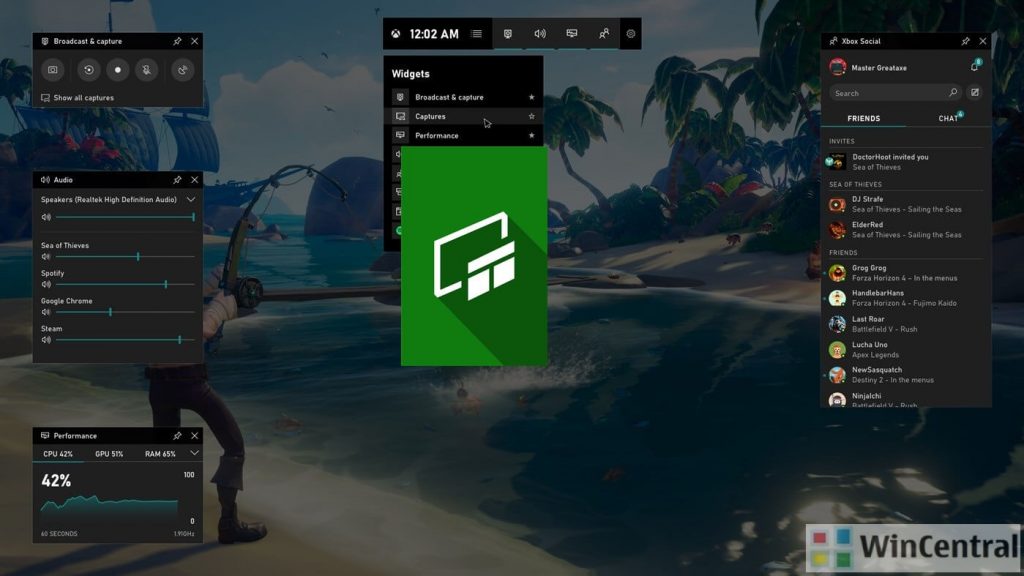
The Numbers: Pre-installed on 100% of Windows PCs
The Xbox Game Bar is “always on” in Windows 10/11. Its “Record Last 30 Seconds” feature is convenient and reasonably efficient because it’s integrated into the OS kernel. However, it does run background services that consume a small amount of RAM constantly, even when you aren’t gaming.
- Pros: No installation required.
- Cons: Limited to 30-second or 5-minute buffers; basic quality options.
6. VideoProc – Best for Low-End Hardware
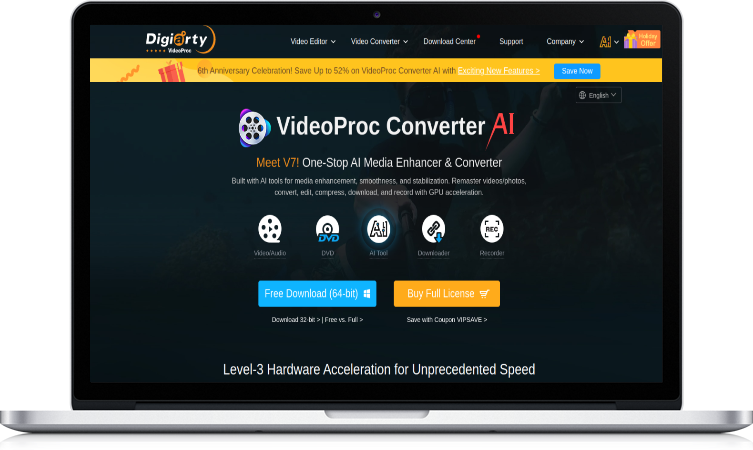
The Numbers: Level-3 Hardware Acceleration
VideoProc focuses on “Level-3 Hardware Acceleration,” utilizing Intel QSV, AMD, and NVIDIA tech to offload tasks. It is a solid choice for older laptops where CPU cycles are scarce. However, as an external app, it still has more overhead than ShadowPlay.
- Pros: Good for non-gaming PCs.
- Cons: Paid license required for full features.
7. EaseUS RecExperts – Best for Scheduled Capture
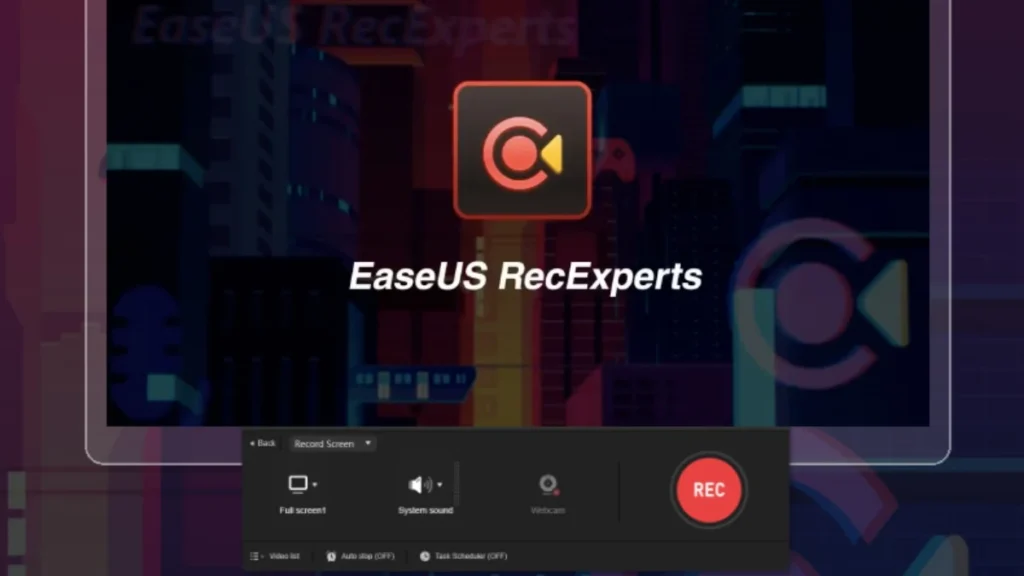
The Numbers: 4K UHD Support | Monthly Subscription
EaseUS is a general-purpose screen recorder with a “Game Mode.” While it produces high-quality 4K video, benchmarks show it consumes more system resources than dedicated gaming tools. It is better suited for recording tutorials than high-octane competitive gameplay.
8. HitPaw – Best for Multi-Device Inputs
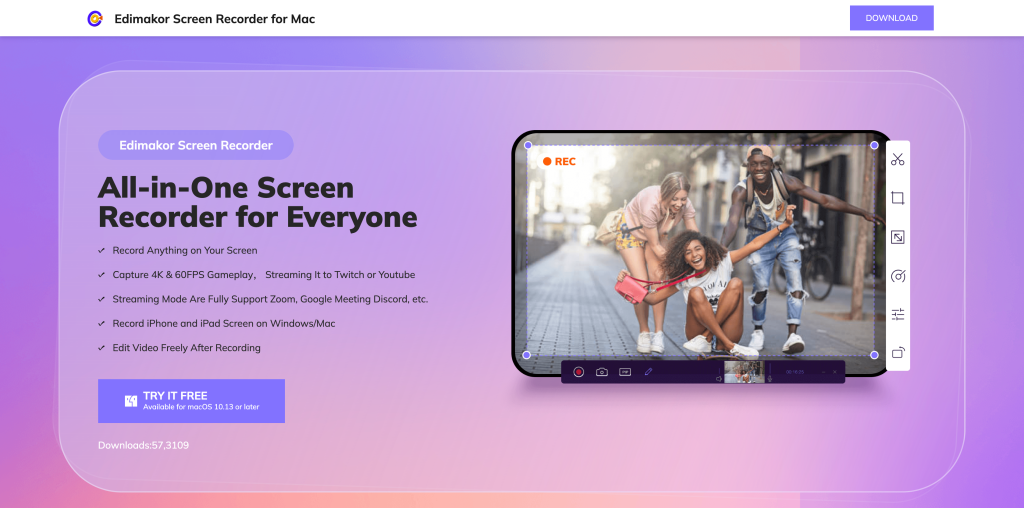
The Numbers: 3 Simultaneous Inputs
HitPaw allows you to record your screen, webcam, and even an iOS device simultaneously. While impressive, processing three video streams in real-time takes a toll on your CPU. Expect a 10-15% FPS drop on mid-range machines.
9. Medal.tv – Best for Social (High Resource Usage)
The Numbers: 500MB+ RAM Usage | Electron Framework
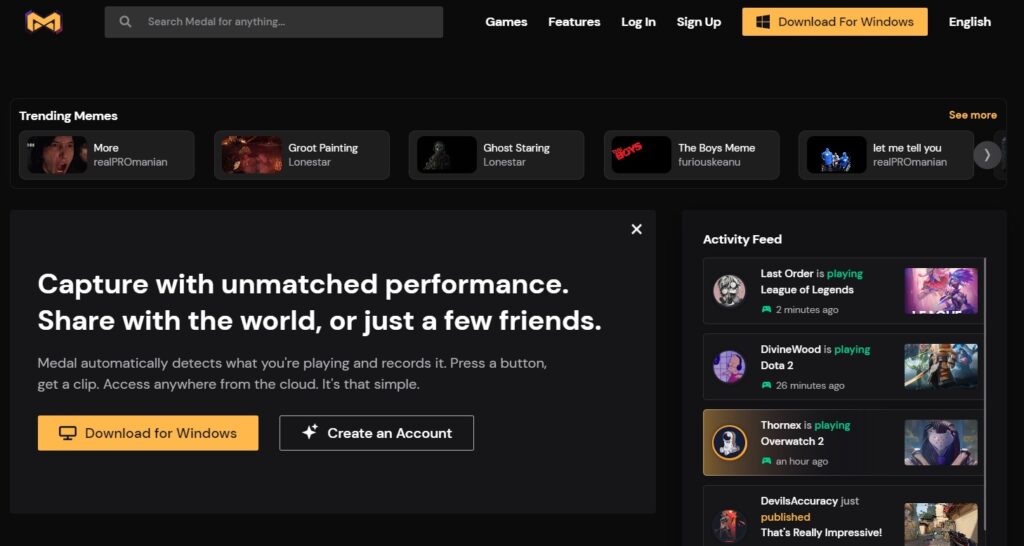
Medal is incredibly popular for its social feed, but from a performance standpoint, it is heavy. It runs on the Electron framework (like a web browser), which is known for high RAM usage. On lower-end PCs with 8GB or 16GB of RAM, running Medal alongside a heavy game like Cyberpunk 2077 can cause stuttering.
- Pros: One-click sharing and cloud syncing.
- Cons: Heaviest background resource usage on this list.
10. Rav.ai – Best for Post-Production (Not Real-Time)

The Numbers: $2,000/year Entry Price
Rav.ai is not a real-time clipper but an automated editing service. It has N/A impact on your FPS because you upload files after you play. However, the “cost” here is time and money. It is designed for enterprise-level creators who need full video edits, not quick clips.
How to Choose Based on Specs (The Logic)
When looking at the numbers, apply this logic to your decision:
- For Maximum FPS (Competitive): Use Eklipse (if you stream) or ShadowPlay (if you don’t). These offer the lowest mathematical impact on your system.
- For Content Volume: Eklipse wins. It automates the extraction of clips, saving you ~10 hours of editing time per week.
- For Social Features: Medal is great, but only if you have a high-end PC (32GB RAM recommended) to handle the overhead.
Frequently Asked Questions (Data & Specs)
Which software has the absolute lowest FPS drop?
Eklipse.gg technically has the lowest impact (0 FPS drop) because it processes the VOD from the streaming platform’s server, not your PC. Among local recorders, NVIDIA ShadowPlay is the most efficient (~3% impact).
Why does Medal.tv make my game lag?
Medal.tv uses the Electron framework, which can be RAM-intensive. If your system runs out of RAM, it starts using the disk page file, causing significant in-game stutters.
Is 60FPS recording enough for TikTok?
Yes. While you may game at 144Hz or 240Hz, TikTok and Instagram Reels cap videos at 60FPS. Recording higher than 60FPS is only useful if you plan to use slow-motion effects.
Final Verdict: The Numbers Don’t Lie
If you want to protect your frame rate in 2026, the data points to a clear winner:
- The Efficiency King: Eklipse.gg. By offloading the processing to the cloud, it guarantees 0% hardware usage while you play.
- The Local Standard: NVIDIA ShadowPlay. The best option for offline recording with minimal impact.
Stop sacrificing frames for content. Switch to the most efficient workflow today.
Get 15 Free Clips Now with Eklipse!
🎮 Play. Clip. Share.
You don’t need to be a streamer to create amazing gaming clips.
Let Eklipse AI auto-detect your best moments and turn them into epic highlights!
Limited free clips available. Don't miss out!
