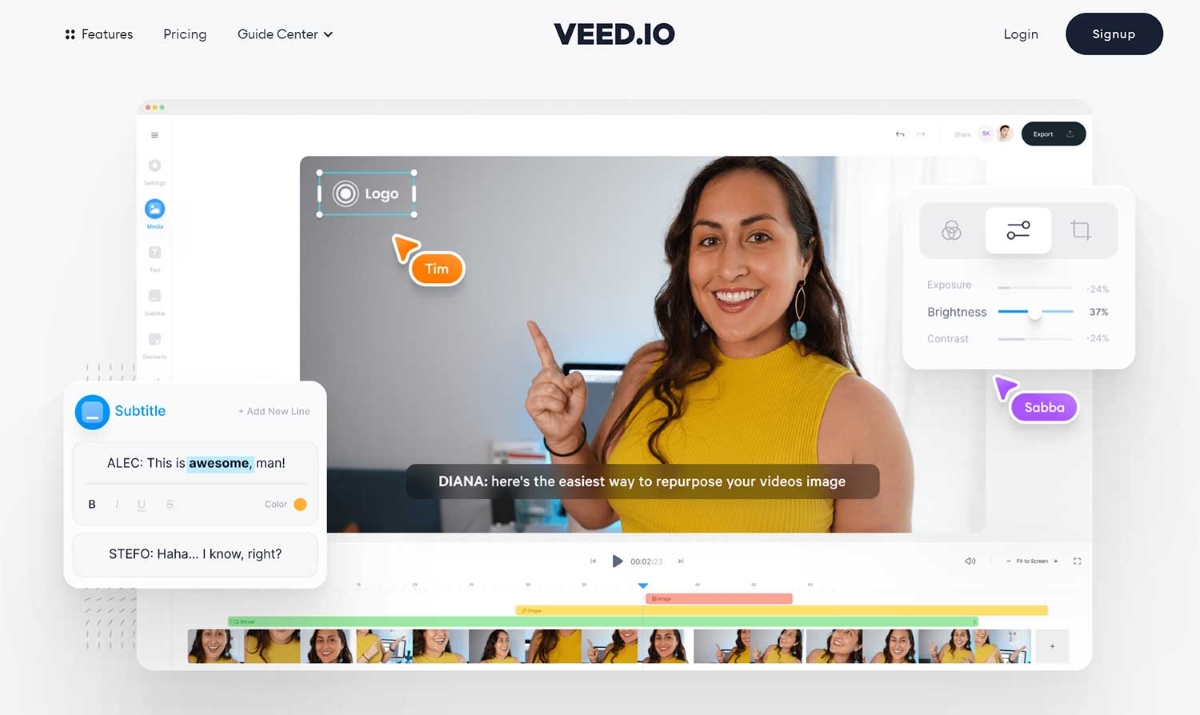
Ready to take your video editing to the next level, but not quite vibing with VEED? You’re in luck! We have the best VEED alternatives to try in 2024 for you right here.
The world of video editing is brimming with incredible tools, each with its own unique strengths and features. Whether you’re a seasoned pro or just starting out, there’s an alternative out there that’s perfectly suited to your needs and style.
In this article, we’ll dive into the most compelling VEED alternatives that are worth exploring in 2023. We’ll cover everything from feature-packed powerhouses to beginner-friendly options, so you can find the perfect match for your next video project.
Let’s dive in!
You stream, we clip. Try Eklipse today for free

1. Eklipse: The AI-Powered Highlight Master
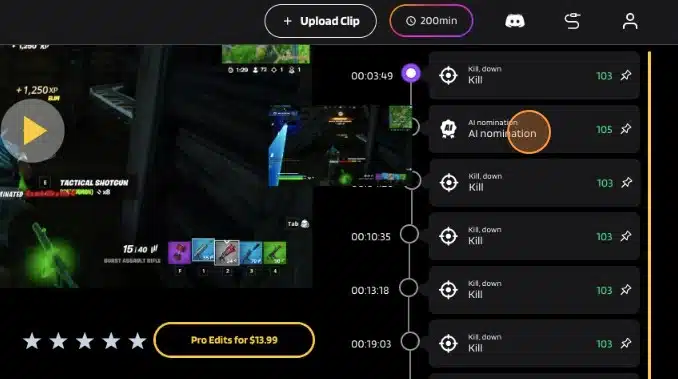
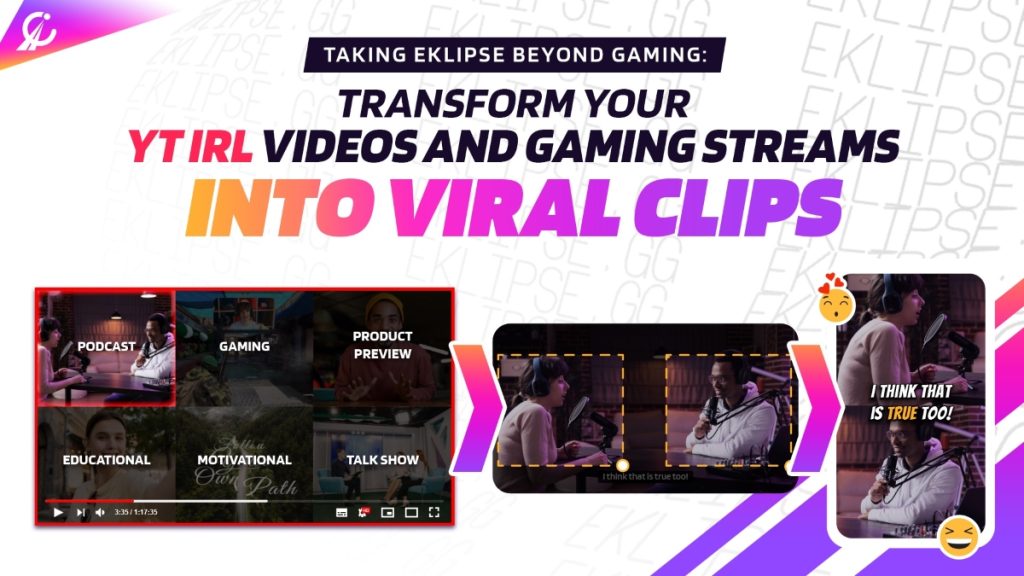
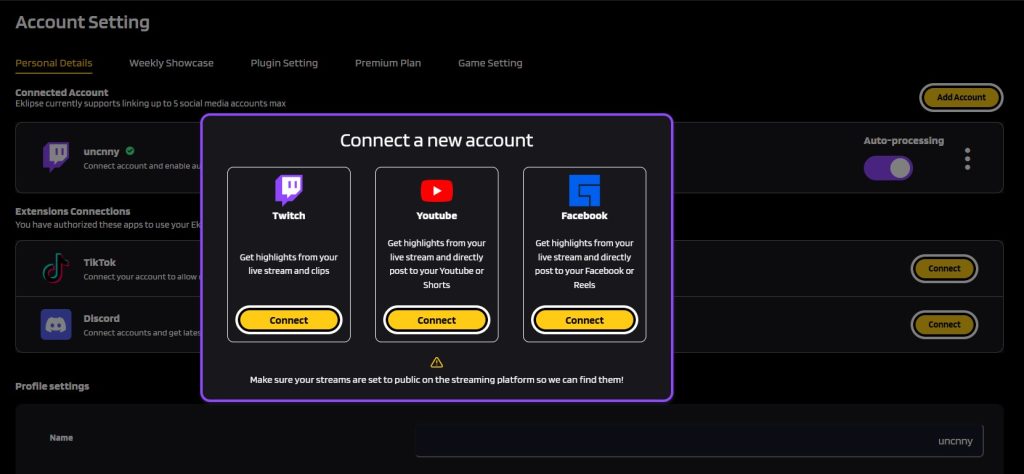
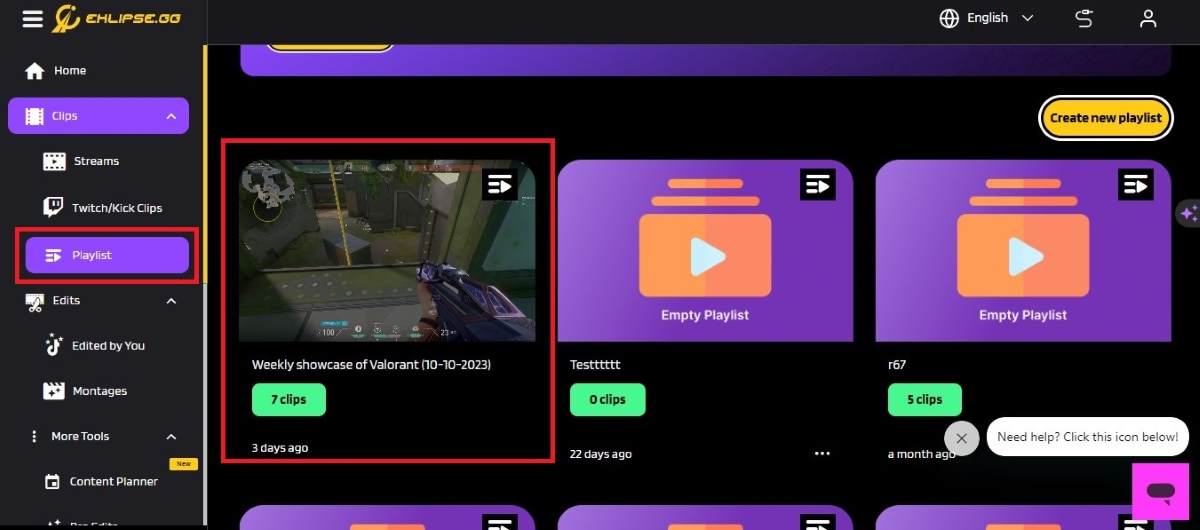
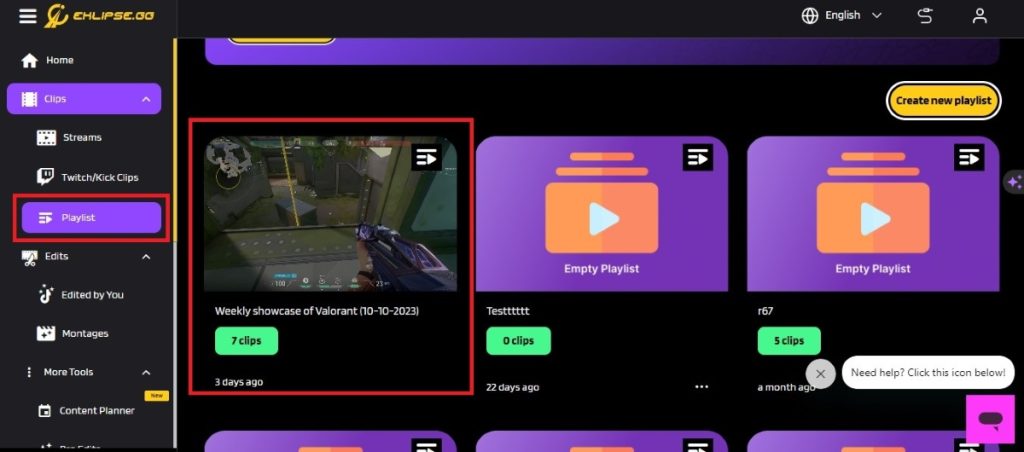
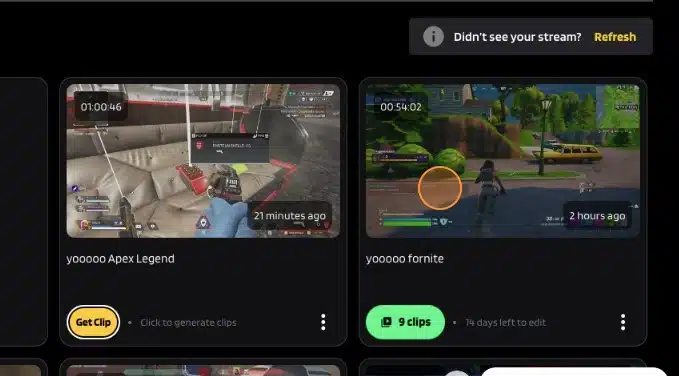
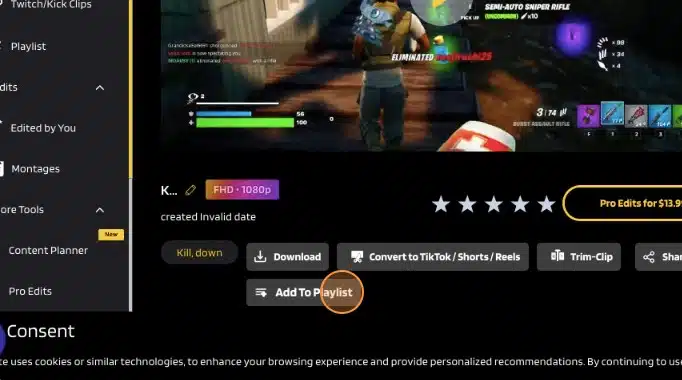
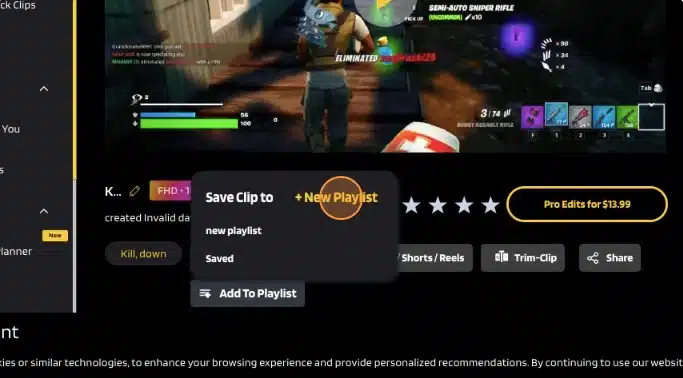
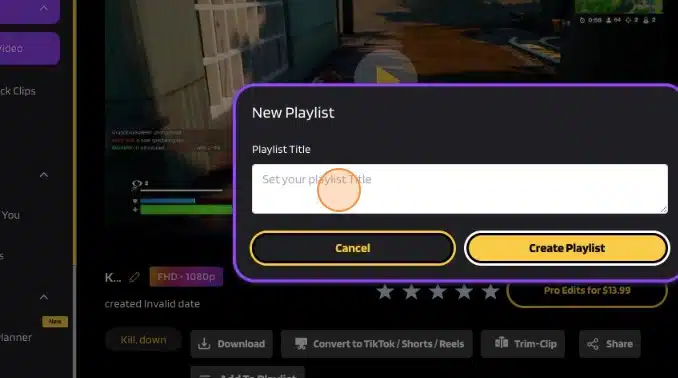
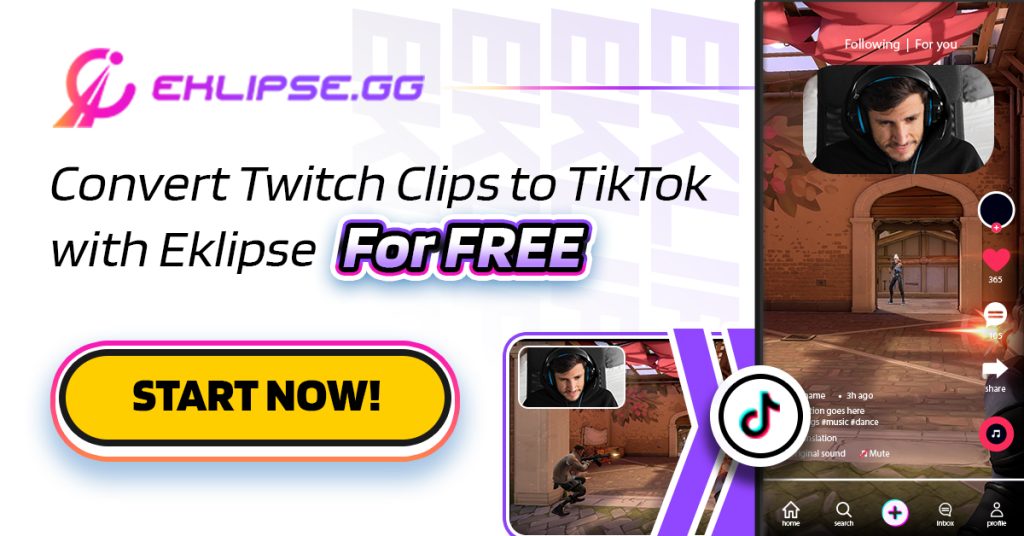
Eklipse isn’t just a video editor or basic VEED alternatives; it’s an AI-powered magic wand for transforming your Twitch streams, YouTube videos, and even Facebook gaming sessions into captivating highlight reels, perfect for sharing on social media platforms like TikTok, Instagram Reels, and YouTube Shorts.
More on Eklipse Blog>>> How to Clip a YouTube Video into TikTok-Ready Viral Highlights on Eklipse
Here’s what makes Eklipse stand out:
- Effortless Highlight Creation: Say goodbye to hours of manually combing through footage. Eklipse’s smart AI automatically detects the most exciting moments in your content, saving you precious time and effort.
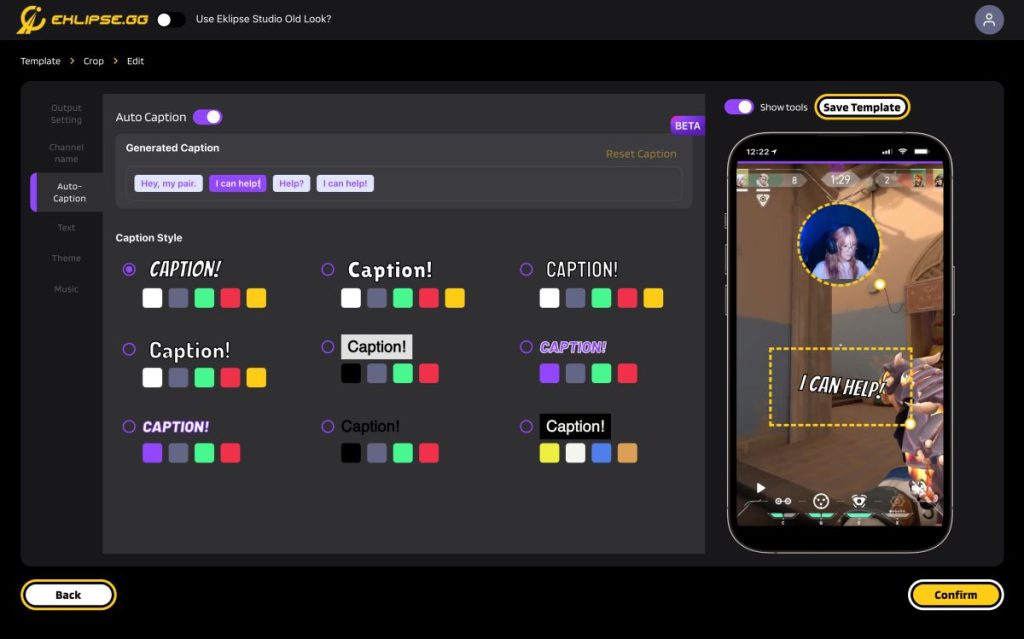
- Templates for Every Platform: No need to worry about video formats or aspect ratios. Eklipse offers a diverse library of pre-made templates specifically designed for each social media platform, ensuring your highlights grab attention wherever you share them.
- AI-Powered Editing Magic: Eklipse goes beyond simply clipping your footage. It adds dynamic transitions, background music, and even text overlays to elevate your highlights and make them truly pop.
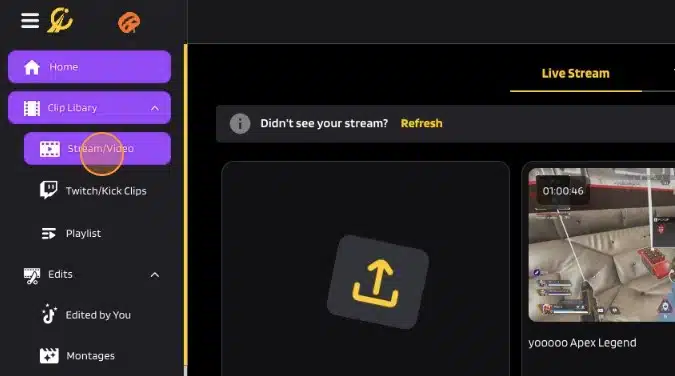
- Streamer-Friendly Features: Eklipse integrates seamlessly with popular streaming platforms like Twitch and YouTube, making it a breeze to import your streams and start creating highlights instantly.
- Gaming Focus: Unlike other VEED alternatives, Eklipse understands the language of gaming. It recognizes key gameplay moments like clutch kills, epic wins, and hilarious fails, ensuring your highlights capture the true essence of your gaming experience.
But wait, there’s more! Eklipse also offers:
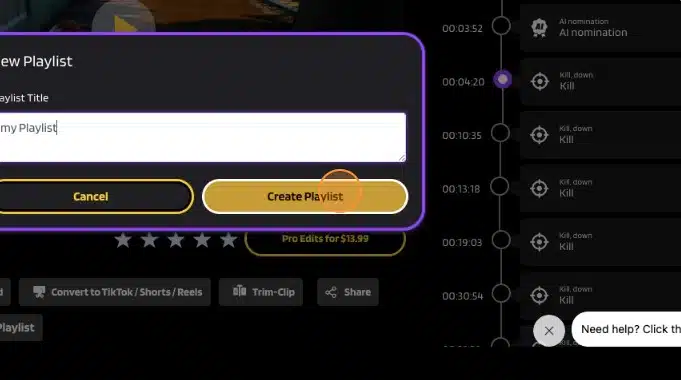
- Pro Edits: For those who want more control, Eklipse’s Pro Edits feature allows you to fine-tune your highlights with additional editing tools and effects.
- Voice Command: All you need to do is just say clip it, clip this, or clip that. Our amazing AI will instantly recognize it as the moment you want to clip. Making your video editing more seamless than before!
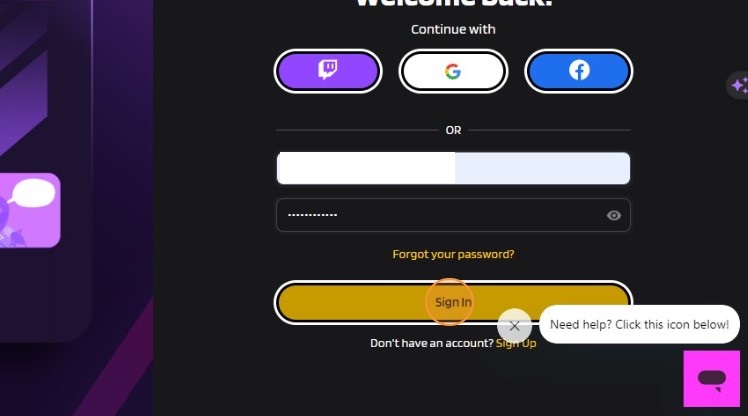
Who is it for? With its unique blend of AI-powered automation and social media-centric features, Eklipse stands out as a powerful and easy-to-use tool for streamers, gamers, and anyone who wants to quickly create share-worthy video highlights. So, are you still hesitating? Just sign up for an account, register yourself, and try Eklipse for free. You’ll be amazed!
Maximize your Black Ops 6 rewards—Create highlights from your best gameplay with with Eklipse
Eklipse help streamer improve their social media presence with AI highlights that clip your Twitch / Kick streams automatically & converts them to TikTok / Reels / Shorts
2. DaVinci Resolve: The Hollywood-caliber Powerhouse

For those seeking Veed alternatives with ultimate video editing experience, DaVinci Resolve reigns supreme. This industry-standard software, used by Hollywood professionals and indie filmmakers alike, boasts a staggering array of features that cater to every aspect of video production, from color grading and audio mixing to visual effects and motion graphics.
Strengths:
- Unmatched editing capabilities: DaVinci Resolve offers unparalleled precision and control over your edits, with features like multi-cam editing, advanced trimming tools, and powerful timeline customization options.
- Professional-grade color correction: Embrace the world of color grading with DaVinci Resolve’s industry-leading color wheels, curves, and qualifiers, allowing you to craft stunning visuals that elevate your videos.
- Built-in audio tools: Fine-tune your audio with professional-grade mixing and mastering tools, including EQ, compression, and noise reduction.
- Extensive VFX and motion graphics library: Add dynamism and visual flair with DaVinci Resolve’s impressive library of effects, transitions, and titles, or create your own custom animations.
Weaknesses:
- Steep learning curve: DaVinci Resolve’s sheer power can be intimidating for beginners, with a complex interface and a plethora of advanced features.
- Costly for casual users: While a free version with limited features exists, the full-fledged DaVinci Resolve studio requires a one-time purchase, making it a significant investment for casual users.
Who is it for? DaVinci Resolve is ideal for professional video editors, filmmakers, and aspiring creators who demand the best tools and are willing to invest time in learning its intricacies.
More on Eklipse Blog>>> 5 Reels Online Video Editors – Best Free Alternatives
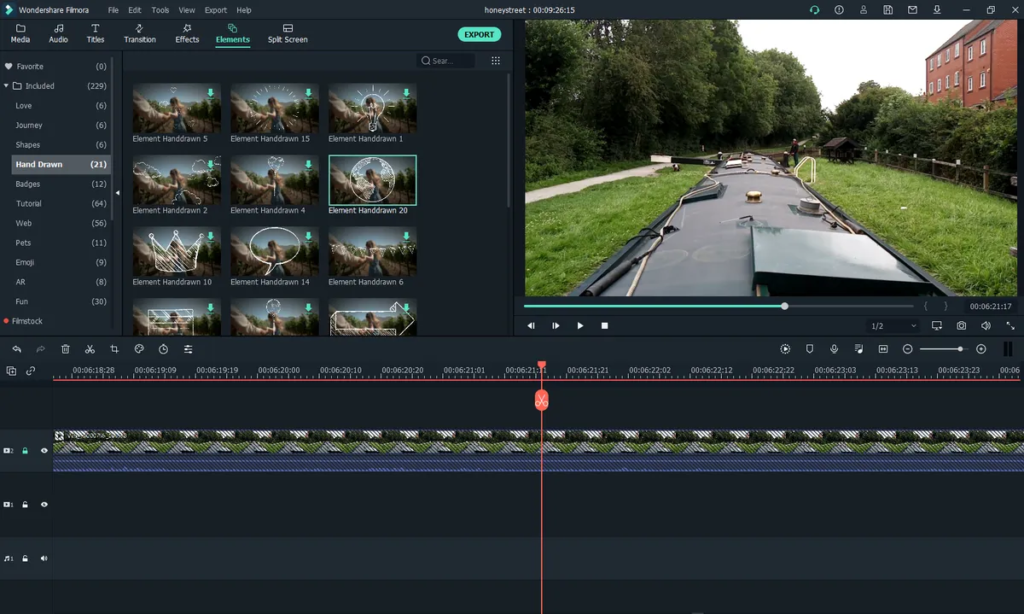
3. Filmora: The Easy-to-Use All-rounder

Craving a user-friendly editing experience without sacrificing powerful features? Filmora strikes the perfect balance, offering a streamlined interface and intuitive tools that make video editing accessible to everyone. This is one of VEED alternatives that you must try this year!
Strengths:
- Effortless editing: Filmora’s drag-and-drop interface makes editing a breeze, even for complete beginners. Its intuitive tools and pre-made templates allow you to quickly create professional-looking videos.
- Rich library of effects and resources: Access a vast library of royalty-free music, sound effects, video transitions, and titles to add polish and personality to your videos.
- Green screen capabilities: Impress your viewers with Filmora’s green screen technology, allowing you to seamlessly blend your footage with any background.
- Action camera optimization: Filmora excels at editing action-packed footage, with features like stabilization, color correction, and speed adjustments specifically designed for action cameras.
Weaknesses:
- Limited advanced features: While powerful for basic editing, Filmora lacks some of the advanced features found in professional-grade software, such as multi-cam editing and in-depth color grading tools.
- Watermarking in free version: The free version of Filmora leaves a watermark on exported videos, requiring a paid subscription to remove it.
Who is it for? Filmora is the perfect veed video maker for beginners, casual users, and social media creators who prioritize ease of use and a user-friendly interface while still having access to powerful editing tools and resources.
4. Kapwing: The Online Editing Powerhouse
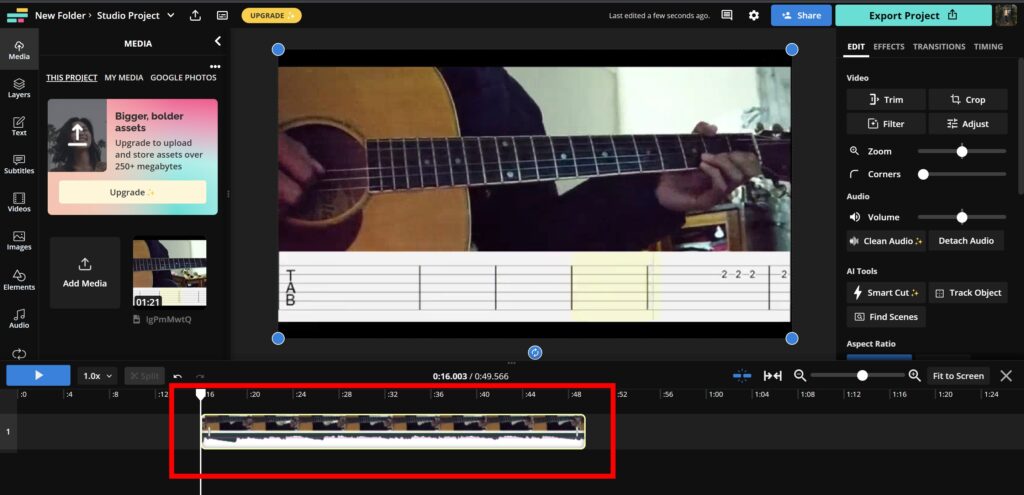
Don’t have a powerful computer for editing? Kapwing takes video editing to the cloud, offering a robust online platform that lets you create and edit videos directly from your browser.
Strengths:
- No software installation needed: Edit videos from any device with an internet connection, eliminating the need for a dedicated computer or software installation.
- Collaborative editing: Share your projects with team members and work on your videos together in real-time, making it ideal for remote teams and creative collaborations.
- Extensive library of templates and tools: Access a vast library of pre-made video templates, intros, outros, and social media-specific formats to quickly create engaging content.
- Unique features: Kapwing offers unique features like meme and GIF creation, screen recording, and video subtitling, making it a versatile platform for diverse content creation needs.
Weaknesses:
- Limited offline functionality: Kapwing requires an internet connection to function, making it inconvenient for editing on the go or in areas with limited connectivity.
- Performance limitations: Large or complex video projects may experience lag or performance issues on the online platform.
Who is it for? As one of VEED alternatives, Kapwing is ideal for content creators just like camtasia, social media managers, educators, and anyone who needs a flexible and collaborative video editing platform without the constraints of traditional software.
More on Eklipse Blog>>> 6 Best Video Compilation Maker: Create Content in Seconds!
5. Synthesia

Synthesia is an AI video creation platform like invideo that allows users to generate professional videos from text, without any editing skills or equipment.
Strengths:
- Occupied with large library of AI avatars and voiceovers in 120+ languages.
- Various AI video editing tools that can help users write scripts, animate videos, resize videos, and update videos.
- Easy integration with other tools such as authoring tools, LMS, LXP, and more.
- Save users time and money compared to traditional video creation methods.
Weaknesses:
- It is not ideal for cinematic videos or videos that require complex editing.
- Has a limited number of video templates and design elements.
- Has a content moderation policy that may restrict some types of videos.
- Requires a subscription fee to access all the features and create unlimited videos.
Conclusion
Remember, the best VEED alternative depends on your specific needs and preferences. Consider what type of content you create, your skill level, and your budget when making your choice. Remember, the perfect VEED alternative is out there waiting for you!